
Your tools,
working as one.
We build automations, AI assistants and integrations for small and mid-size businesses. We help your team handle routine work, answer questions and move information between apps.
Let’s talk about your work In every sample, a person makes the decisionWhat we build
We connect the software you already pay for and build the pieces that are missing. Most projects fall into one of these five areas.
AutomationsSteps your team repeats every day, done the same way every time. | For exampleWhen a booking form comes in, create the task, send the reminder and update your records. |
|---|---|
AI projectsAI that reads, sorts or drafts, with a person checking the result. | For examplePull the key details from a long document for someone to check. |
Chatbots and assistantsAnswer common questions for customers or staff, and pass the hard ones to a person. | For exampleA chat on your website that answers “Where is my order?” by checking your store. |
Integrations between your systemsYour tools share the same customer, order and invoice details. | For exampleSend a new order to your customer records and accounting tool. |
Customer support automationEmails arrive sorted, with a draft reply waiting for your team. | For exampleSort an email, find the right help article and draft a reply for your team to approve. |
See it working
Three sample workflows. AI prepares the work, your tools move it, and your people make the decisions.
Tools we connect
You keep your tools. We connect them in the ways they already support.
We can connect common tools such as Gmail, Outlook, Slack, Microsoft Teams, HubSpot, Shopify, QuickBooks, Xero and Google Sheets. We check how each one connects before we suggest a build. These names are only examples. We are not partners of these companies, and they do not endorse us.
- Help desktoChat
An urgent ticket posts to the team channel with a link.
- CalendartoCustomer records
A booked call adds a note to the customer record.
- Shared inboxtoHelp desk
An email with an order number opens a ticket with the order attached.
- EmailtoSpreadsheet
Details from an attachment become a new row.
- Customer recordstoEmail
When a follow-up is due, the assigned teammate gets an email reminder.
Most business software can share information in some way. We check how yours does before we suggest a build.

How we work
Start small. Make it useful.
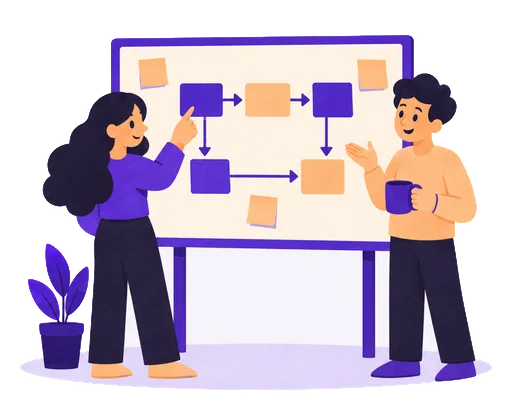
Map the work
We follow one process from start to finish with the people who do it.
You get A one-page map of the process, with the part worth changing first.
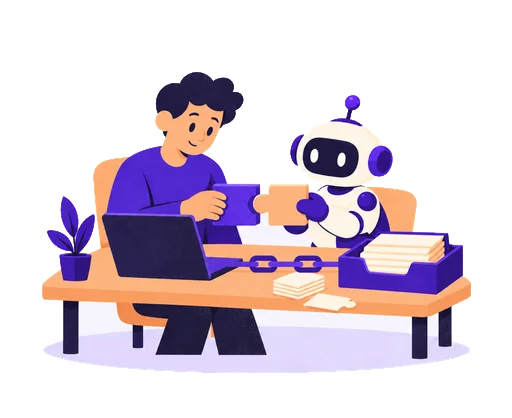
Build the first piece
We build a working version with your tools and try it on real examples, including the awkward ones.
You get A first version, tested on your own examples.
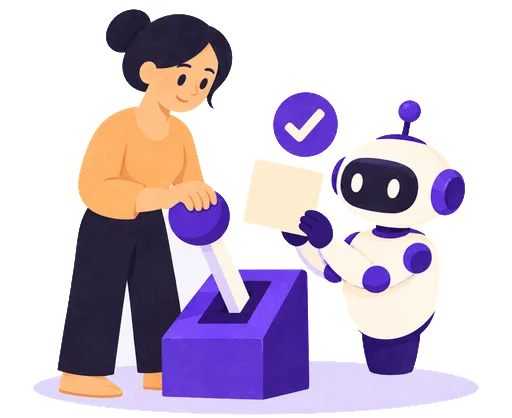
Launch with people in charge
Your team tries it first. Then we switch it on, with clear rules for exceptions.
You get A written list of what runs on its own and what needs approval.
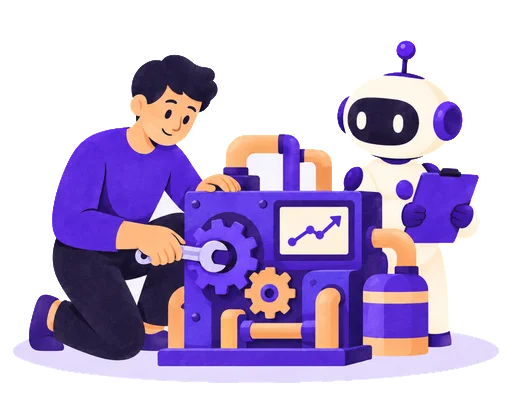
Keep improving
After launch, we check how it works in daily use and fix what gets in the way. You choose how much support you want after that.
You get Improvements based on everyday use, with clear instructions for your team.
Ways to work with us
You don’t need a detailed plan to get started. We can help you choose a good first project, or fix something you already use.
Review | Not sure where to start? | We look at one process with you, check your tools and the risks, and give you a clear list of next steps. | A one-page map of one process, with clear next steps. | Ask about a review |
|---|---|---|---|---|
Build | Have a workflow in mind? | We build and test one automation, assistant or integration with the people who will use it. | One workflow, from mapping and testing to launch and improvement. | Ask about a build |
Improve | Already have something running? | We look at an automation or process that is unreliable, slow or hard to maintain, then fix the parts that matter most. | We start by mapping the automation or process you already use. | Ask about an improvement |
How do you handle our data?
We agree up front which data the workflow needs, who can see it and which services process it. We ask only for the access the job needs. Before we build, we also agree how long data is kept. Please don’t include sensitive records in your first message.
Can you work with our tools?
Tell us what you use and we will check how each tool can connect. If a connection is not practical, we will tell you before you commit to anything.
How long does a first project take?
We keep first projects small on purpose: one process, one useful change. After we understand the process, we give you a timeline in writing. The main things that affect it are how many tools are involved and how quickly we can get access.
What does it cost?
We give you a written quote after we understand the process. The price depends on how many tools are involved, how many rules the process has and how much support you want afterward. Fees for the tools themselves, such as AI usage, are separate, and we list them up front.
Who owns what you build?
We agree this in writing before we start. Our aim is a tool your business can run, with instructions and the access your team needs. Any third-party subscriptions and licenses are identified up front.
What if the AI is unsure?
Then it hands the work to a person. Before launch, you decide what the AI may do on its own, such as answering “Where is my order?”, and what must wait for a person to approve. We test missing details, unusual requests and mistakes, not only the easy cases.
What could
work better?
Tell us about the task your team repeats by hand, the tools that don’t share information, or the idea you want to try.